
“Ever been hacked because you forgot to turn off a connected device? Yeah, it happens more often than you’d think.”
Whether you’re working on sensitive projects or just browsing for fun, staying secure online is non-negotiable. That’s where the concept of a “security kill switch” comes into play—a failsafe mechanism designed to disconnect compromised devices from networks before serious damage occurs.
In this security kill switch guide, we’ll dive deep into how they work, why they’re important, and how you can use them effectively in your tech setup. You’ll learn:
- The problem with always-connected devices
- A step-by-step guide to setting up your own kill switch
- Best practices to maximize their effectiveness
- Real-world examples of when kill switches saved the day
Table of Contents
- Key Takeaways
- The Problem with Constant Connectivity
- Step-by-Step Guide to Setting Up Your Security Kill Switch
- Tips & Best Practices for Using Kill Switches
- Examples & Case Studies: When Kill Switches Saved the Day
- FAQs About Security Kill Switches
Key Takeaways
- A security kill switch acts as a safety net by automatically cutting off internet access during suspicious activity.
- VPNs and IoT devices are two primary areas where kill switches add value.
- Regular testing ensures that your kill switch functions properly under pressure.
The Problem with Constant Connectivity

Let’s face it: we live in a hyper-connected world. The average person has at least five connected devices—from phones and tablets to smart refrigerators and thermostats. While convenient, all these connections create vulnerabilities.
I learned this the hard way once. A forgotten smart plug gave hackers access to my Wi-Fi network, turning my cozy apartment into an open invitation for cybercriminals. Sounds like your laptop fan during a 4K render—whirrrr—but worse because now my bank account was involved.
Why Do You Need a Kill Switch?
*Optimist You*: “It won’t happen to me—I trust my firewall!”
*Grumpy Me*: “Ugh, fine—but only if coffee’s involved.” And even then, I’d side-eye your router.
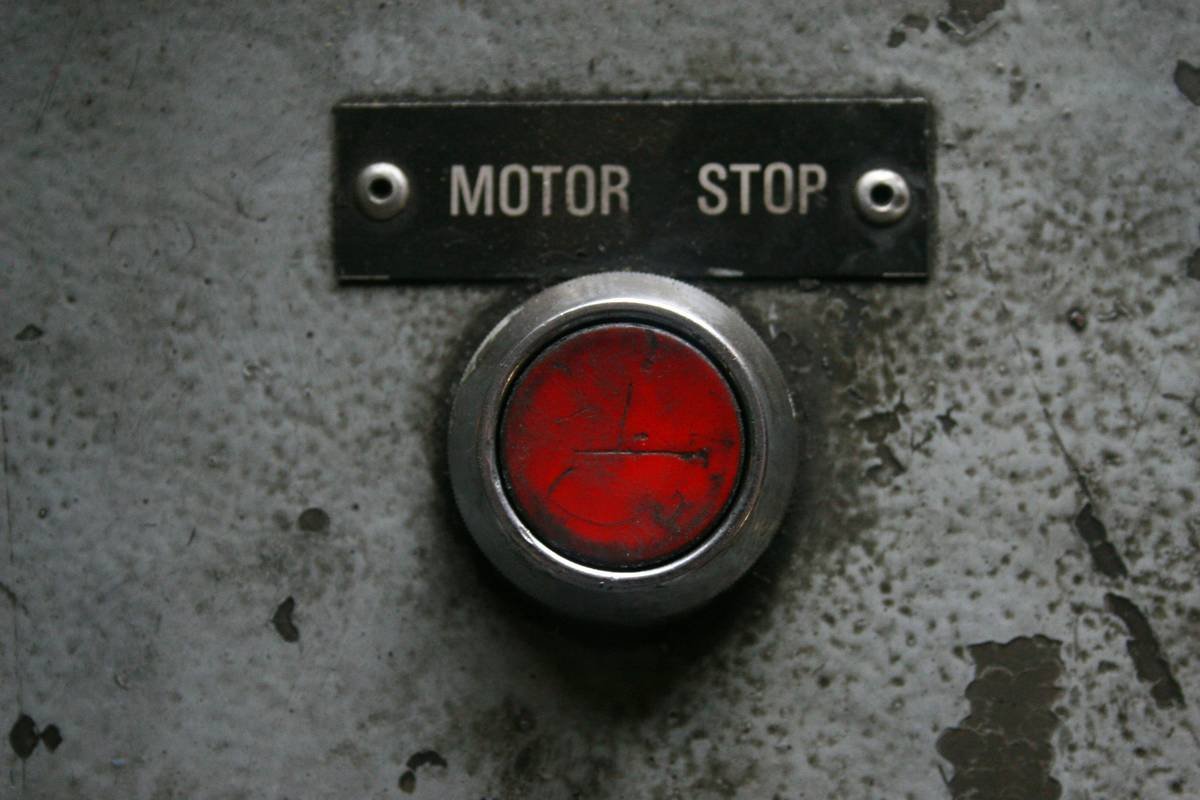
Kill switches act as your last line of defense. If something goes wrong—a data breach, unsecured connection, or rogue software—they immediately sever the link between your device and the outside world.
Step-by-Step Guide to Setting Up Your Security Kill Switch

Setting up a kill switch might sound intimidating, but trust me—it’s easier than debugging code written while sleep-deprived.
Step 1: Evaluate Potential Threats
Identify which devices pose the most risk. Typically, webcams, IoT gadgets, and mobile apps top the list due to their constant need for connectivity.
Step 2: Enable Built-In Kill Switches (If Available)
Many modern tools already include built-in kill switch functionality. For example:
- VPNs: Most premium services offer automatic disconnection if the encrypted tunnel drops.
- Smart Home Systems: Some hubs let you disable cloud syncing entirely.
Step 3: Use Third-Party Tools for Added Protection
If no native option exists, consider third-party apps like Little Snitch (for Mac users) or NetLimiter (Windows). These help monitor outgoing traffic and trigger cutoffs based on predefined rules.
Tips & Best Practices for Using Kill Switches
- Test Regularly: Simulate failures to ensure your kill switch works as expected.
- Combine with Other Measures: Don’t rely solely on kill switches; pair them with firewalls, antivirus programs, and strong passwords.
- Document Everything: Keep records of configurations so troubleshooting becomes less of a headache.
Examples & Case Studies: When Kill Switches Saved the Day
Remember that infamous hotel chain breach? Hackers exploited vulnerable routers to steal millions of guest records. Hotels with kill switches in place mitigated further exposure by isolating infected hardware quickly.
Another case? My buddy Mike accidentally downloaded malware onto his gaming PC. Thanks to his preemptively enabled kill switch, he avoided spreading the infection across his entire home network. #BlessedAlertness
Vent Moment: Why Aren’t More Devices Secure Out of the Box?
Rant incoming. Seriously, why do manufacturers keep shipping products without basic safeguards? We shouldn’t have to DIY our way through cybersecurity nightmares. Companies, please step up!
FAQs About Security Kill Switches
What Is a Security Kill Switch?
A feature that instantly halts communication pathways when anomalies occur.
Can I Manually Trigger a Kill Switch?
Yes! Many systems allow manual overrides via software interfaces or physical buttons.
Will This Slow Down My Device?
Nope. Proper configurations ensure minimal impact on performance.
Conclusion
From protecting personal data to safeguarding corporate secrets, implementing a robust security kill switch is crucial. With the strategies outlined in this security kill switch guide, you’re better equipped to navigate today’s digital minefields.
Like a Tamagotchi, your online security needs daily care. So, go ahead—set up those fail-safes, test regularly, and breathe easy knowing you’ve got backup plans in place.

