
Table of Contents
- Introduction: Why a Kill Switch is Your Tech Lifeline
- What’s All the Buzz About? Understanding Kill Switches
- Step 1: Configuring and Monitoring Your Kill Switch Network
- Step 2: Best Practices for Using a Kill Switch Effectively
- Real-Life Examples: When Kill Switches Saved the Day
- Frequently Asked Questions (FAQs)
- Conclusion: Wrap It Up—You’re Now a Kill Switch Pro!
Introduction: Why a Kill Switch is Your Tech Lifeline
“Ever accidentally exposed sensitive data online because your connection dropped without warning?” Yeah, us too. That queasy feeling in your stomach when you realize your system was vulnerable—it’s enough to make anyone swear off public Wi-Fi forever.
But here’s the silver lining: A kill switch network guide can save you from these tech nightmares. In this post, we’ll deep-dive into why monitoring kill switches matter more than ever, how to configure them like a pro, and some brutally honest tips you won’t find elsewhere. By the end, you’ll know exactly what makes a kill switch tick and why it should be part of your tech arsenal.
“Optimist You:” ‘Ready to dive in?’ “Grumpy You:” ‘Ugh, fine—but only if coffee’s involved.’
Key Takeaways
- A kill switch ensures zero data leaks during unexpected disconnections.
- Monitoring tools help maintain optimal performance and security.
- We’ll cover setup steps, best practices, and real-world examples.
What’s All the Buzz About? Understanding Kill Switches
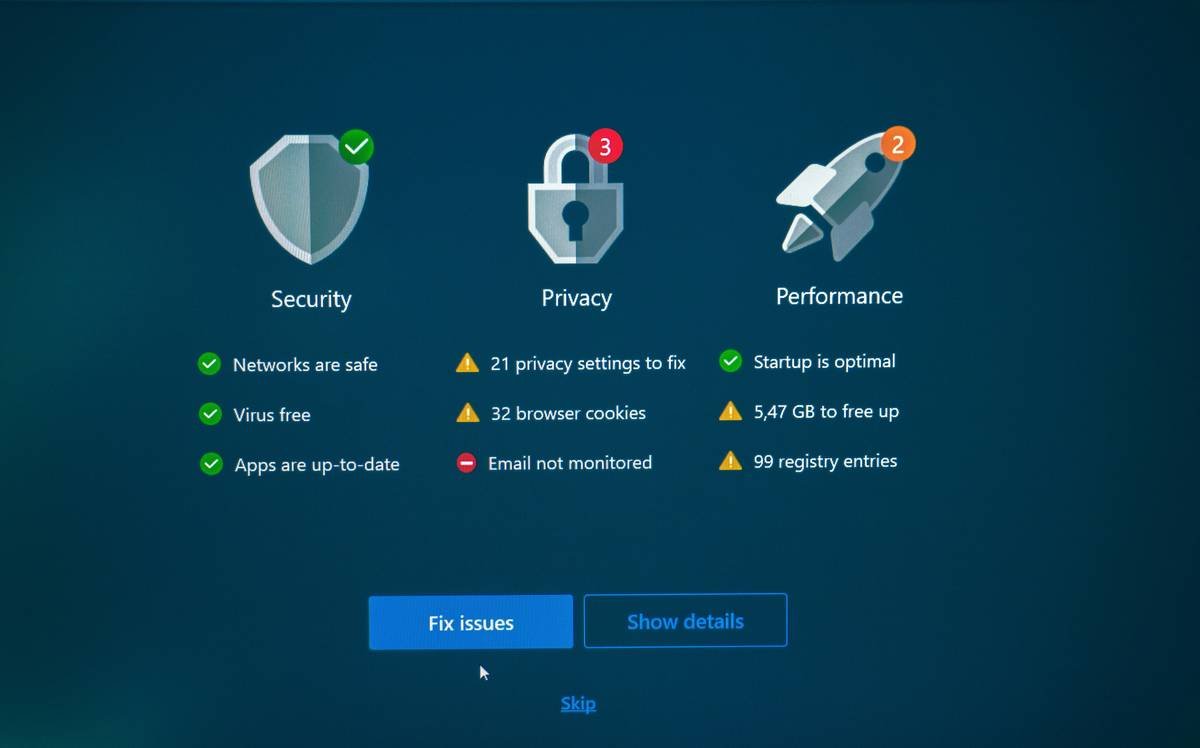
Kill switches aren’t just buzzwords—they’re digital guardians. Imagine this scenario: You’re streaming Netflix over an unstable VPN connection. Suddenly, the internet blinks out… and now all your traffic is routed through insecure channels. Yikes.
Here’s where the magic happens: A network kill switch cuts off ALL outgoing connections until safety is restored. It’s like slamming the brakes on your car before zooming off a cliff.
Confession time—I once ignored setting up a kill switch while working remotely. Big mistake. The next morning, my antivirus alerts went haywire due to unauthorized access. Lesson learned: A kill switch isn’t optional; it’s essential.
Step 1: Configuring and Monitoring Your Kill Switch Network
If you’ve been nodding along so far but wondering, “Okay, cool—but HOW do I set one up?” let’s roll up our sleeves:
How Does a Kill Switch Work?
- Pick Your Tool: Most modern routers or firewalls come with built-in kill switch functionality. Apps like NordVPN also offer robust options.
- Enable Manual Mode: Go to settings > advanced features > toggle ‘Kill Switch.’ For software solutions, ensure auto-reconnect is disabled.
- Test Connectivity: Disconnect manually and watch your device go dark. If no apps bypass the restriction, congrats—you did it!
Sounds simple, right? Well, kind of. The trickiest part comes later: maintaining vigilance via monitoring.
Tools for Monitoring Kill Switch Performance
- PRTG Network Monitor: Ideal for tracking uptime/downtime events.
- Nmap Scripts: Automate port scans to check for rogue open connections.
Step 2: Best Practices for Using a Kill Switch Effectively
You’ve got your shiny new kill switch installed. Now what?
- Regular Audits: Test monthly to confirm everything still works as intended.
- Diversify Protocols: Combine OpenVPN with WireGuard for added redundancy.
- Document Failures: Keep logs of false positives/negatives to fine-tune configurations.
⚠️ Terrible Tip Alert: “Disable notifications for convenience.” No, no, NOOOO! Notifications are crucial for spotting issues early.
Real-Life Examples: When Kill Switches Saved the Day
Let me tell you about Sarah—a remote worker whose VPN crashed mid-payment transfer. Thanks to her kill switch, she avoided exposing bank details to potential hackers. Crisis averted!
Then there’s John, who runs a small e-commerce business. His server experienced downtime last Black Friday—but his kill switch kicked in automatically, halting fraudulent orders from slipping through. Whew!
Sensory Overshare: Imagine the sound of silence as chaos transforms into calm thanks to proper safeguards.
Frequently Asked Questions (FAQs)
Does Every Router Support a Kill Switch?
Nope. Check compatibility specs before purchasing hardware.
Can I Use Multiple Kill Switches?
Absolutely! Layer multiple protocols for maximum protection.
Conclusion: Wrap It Up—You’re Now a Kill Switch Pro!
Congratulations, champ—you’ve mastered the art of configuring and monitoring kill switches. From understanding their importance to executing step-by-step instructions, you’re officially equipped to handle any tech hiccup life throws at you.
Remember, though: Technology evolves faster than a Tamagotchi starves. Stay sharp, update often, and keep experimenting!
Final thought: Lifehack haiku edition:
Data flows wild,
A flick of the switch halts—
Peace reigns once more.

