“Ever accidentally shared your password on a public forum? Yeah, we’ve all been there.”
In the age of endless connectivity, internet safety is no longer optional—it’s essential. Whether you’re browsing innocuously or managing sensitive data, one slip-up can lead to disaster. Today, we’ll tackle an underappreciated yet critical tool in your digital safeguarding arsenal: a monitoring kill switch. You’ll learn about what it is, why it matters, and actionable steps to fortify your online presence with our top internet safety tips.
Table of Contents
- Why Internet Safety Matters More Than Ever
- What Is a Monitoring Kill Switch?
- How to Implement a Monitoring Kill Switch Effectively
- Top Internet Safety Tips for Everyday Users
- Real-Life Examples of Monitoring Kill Switches in Action
- FAQs About Monitoring Kill Switches
- Conclusion: Stay Safe, Stay Smart
Key Takeaways
- A monitoring kill switch automatically halts traffic when your connection becomes insecure.
- Simple practices like using strong passwords and enabling two-factor authentication pair well with a kill switch.
- This technology protects against unauthorized access, identity theft, and malware attacks.
- We’ll debunk some common myths and give you practical advice for better internet safety habits.
Why Internet Safety Matters More Than Ever
Sounds dramatic, but hear me out. Cybercrime costs are projected to hit $10.5 trillion annually by 2025. In simpler terms, that’s roughly equivalent to the GDP of Japan. Now doesn’t that make your laptop fan whirrrr?
I once spent hours trying to recover my hijacked email account after clicking on a phishing link disguised as a shipping confirmation. The embarrassment of telling clients I’d “been hacked” was nothing compared to the stress of fixing everything. This isn’t just tech jargon; this is your personal info being held hostage.
Optimist You: “It won’t happen to me!”
Grumpy You: “Oh, yes it will—and you’ll wish you had a kill switch.”
What Is a Monitoring Kill Switch?

Simply put, a monitoring kill switch is a failsafe mechanism designed to terminate your internet connection if encryption fails—or worse, if someone tries snooping. Imagine your VPN drops suddenly while you’re sending confidential files. Without a kill switch, those files could leak into cyberspace faster than you can say oops.
Confessional Fail: Once upon a time, I thought disabling my firewall would speed up downloads (facepalm). Spoiler alert: It did. But guess who got hit with ransomware days later? Yep, lesson learned—never compromise security for convenience.
How to Implement a Monitoring Kill Switch Effectively
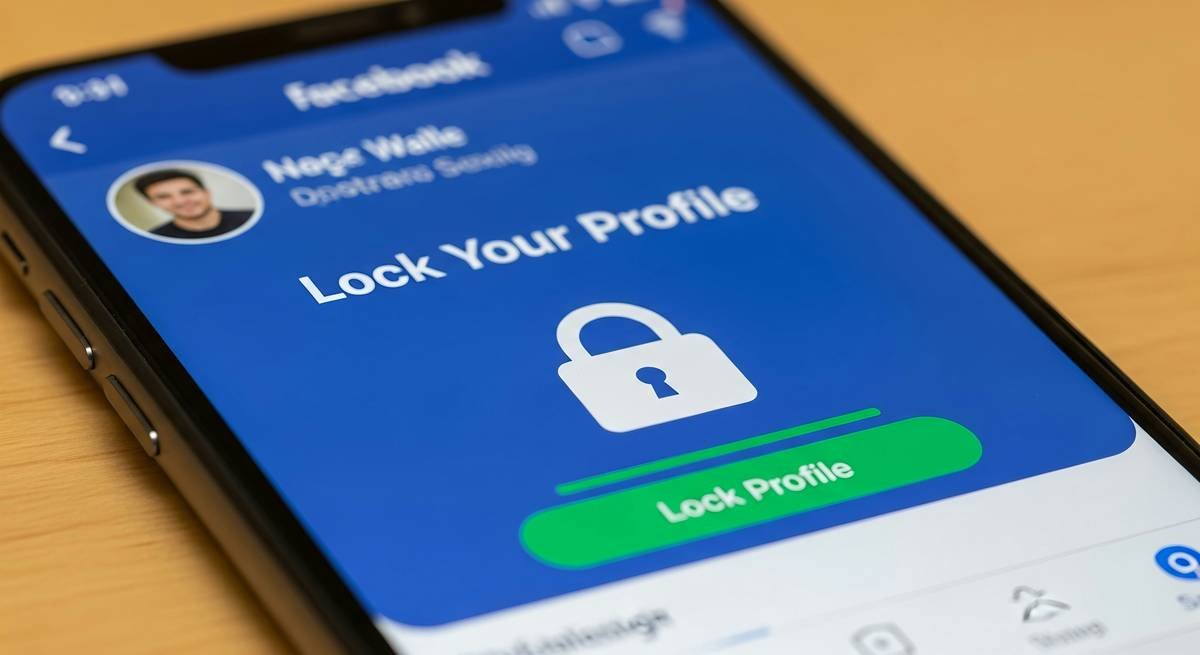
Setting up a kill switch might sound complicated, but trust me, it’s chef’s kiss easy:
- Check Your Device Compatibility: Most modern devices support software-level kill switches.
- Enable It in Settings: Look for options labeled “Automatic Disconnect” or “Kill Switch” within apps like antivirus programs or firewalls.
- Test Run: Simulate disconnection scenarios to ensure it works without fail.
Here’s where most people mess up—they enable the kill switch but neglect regular updates. Software evolves quickly, so keep yours fresh to avoid unexpected glitches.
Top Internet Safety Tips for Everyday Users
Tip #1: Use Strong, Unique Passwords
If your password is still “123456,” slap yourself now. Use passphrases instead (“PurpleRain@Night!”).
Tip #2: Keep Software Updated
Patching vulnerabilities ensures hackers don’t exploit old loopholes.
Terrible Tip Disclaimer:
“Just ignore suspicious emails.” No. Delete them immediately or suffer catastrophic consequences. There—I saved you from bad advice!
Tip #3: Enable Two-Factor Authentication
Add another layer of protection beyond passwords. It’s annoying but worth it.
Real-Life Examples of Monitoring Kill Switches in Action
Case Study: A major corporation prevented data breaches thanks to their automated kill switch detecting unusual activity. Instead of losing millions, they walked away relatively unscathed.
Even small businesses benefit. One startup avoided leaking employee records because their IT guy implemented basic precautions—including a kill switch.
FAQs About Monitoring Kill Switches
Do All Devices Have a Built-In Kill Switch?
Nope! Many require third-party tools, though premium operating systems often include basic features.
Will My Internet Slow Down With a Kill Switch Activated?
Nah. It only triggers when necessary, ensuring performance stays smooth otherwise.
Can Hackers Bypass a Kill Switch?
Theoretically possible, but paired with other safeguards, it makes their job exponentially harder.
Conclusion: Stay Safe, Stay Smart
Your journey to mastering internet safety tips starts here. From understanding the importance of a monitoring kill switch to adopting smarter daily habits, these strategies empower you to surf confidently.
Rant Corner: Seriously, stop ignoring those update notifications. They exist for a reason!
To wrap things up:
Data flows, threats grow,
A kill switch saves the day—know?
Stay safe, don't delay.

